
Client Portal

Give clients one central place to collaborate
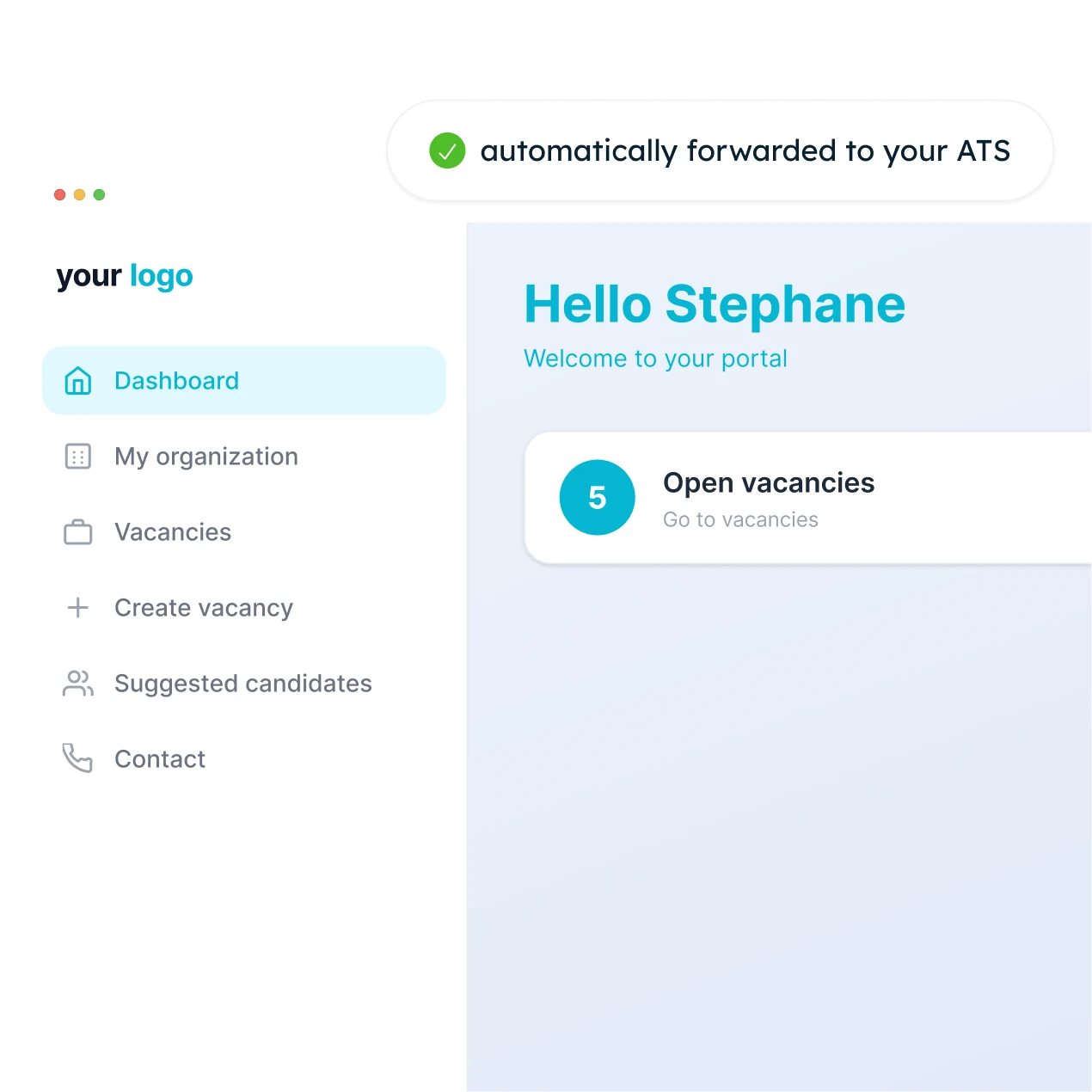
Clients can approve candidates, create vacancies, and sign contracts in a single portal. Everything flows automatically into your ATS.

Let clients manage everything in one place

No more endless email threads or scattered Excel files: your clients manage candidates, job openings, and administration themselves, leading to faster and more professional collaboration.

Approve candidates with one click

Your clients can review proposed profiles for each job opening and approve or reject them.

Create and manage job openings

Your clients can set up new assignments themselves and track their status.

Manage documents and data

Contracts, billing, contact details, and communication: everything in one place.

From proposal to signature, without the email trail
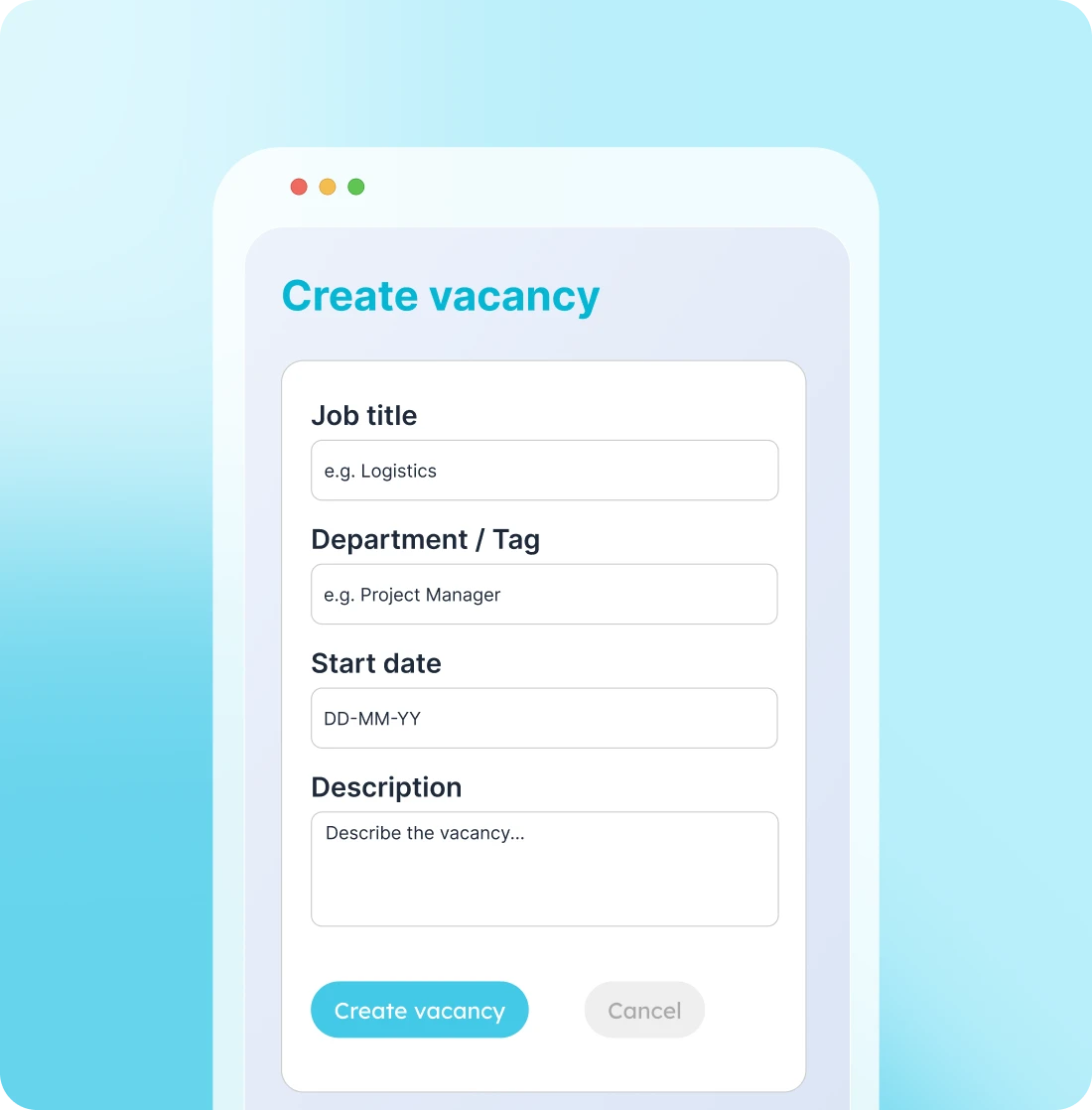
How your client works in the portal

  • Propose candidates and get them approved

    You propose suitable candidates for a vacancy. The client logs in, reviews the profiles, and approves who they want to invite with a single click.

  • Let clients create their own vacancies

    Suddenly need extra staff? Instead of calling, your client can create the vacancy themselves in the portal, and you can get to work immediately.

  • Sign contracts and submit schedules

    Need to submit a new employee contract or provide a schedule? Your client can handle it directly in the portal, without emailing loose documents back and forth.

Customize

Everything your client needs, in one portal

  • Create and manage new assignments and vacancies
  • View suggested candidates per vacancy
  • Approve or reject candidates
  • Track the status of vacancies and ongoing processes
  • Manage documents, invoicing, and communication

How it works

Live in three steps

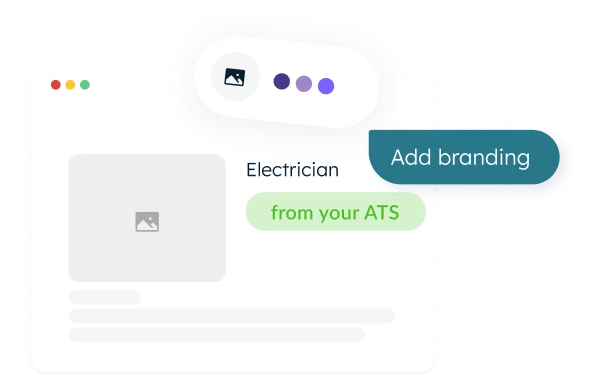
Start with a prebuilt template, add your branding, and invite your clients.
Step 1

Start with the prebuilt template

The portal is connected to your ATS from the very first minute.
Step 2

Add your branding

Your branding or your client's, with custom fields and features.
Step 3

Invite your clients

They handle everything themselves in the portal, and you see every action instantly in your ATS.
The benefits at a glance

What you gain with the client portal

Less email and phone traffic, a more professional collaboration.

Two-way sync with your ATS

Everything your client does flows in real-time to your ATS, and vice versa.

Your brand identity, or that of your client

You can easily configure the portal's branding yourself.

Adjust everything flexibly

Not a static portal: easily add fields, features, and branding.

Go live quickly and easily

Start with a template already connected to your ATS, add your branding, and you're ready to go.

Mobile and desktop

Your client can work smoothly on any device.

Easily customizable

Tailored to your workflow, brand identity, and processes like timesheets.
Results

How our clients use the client portal
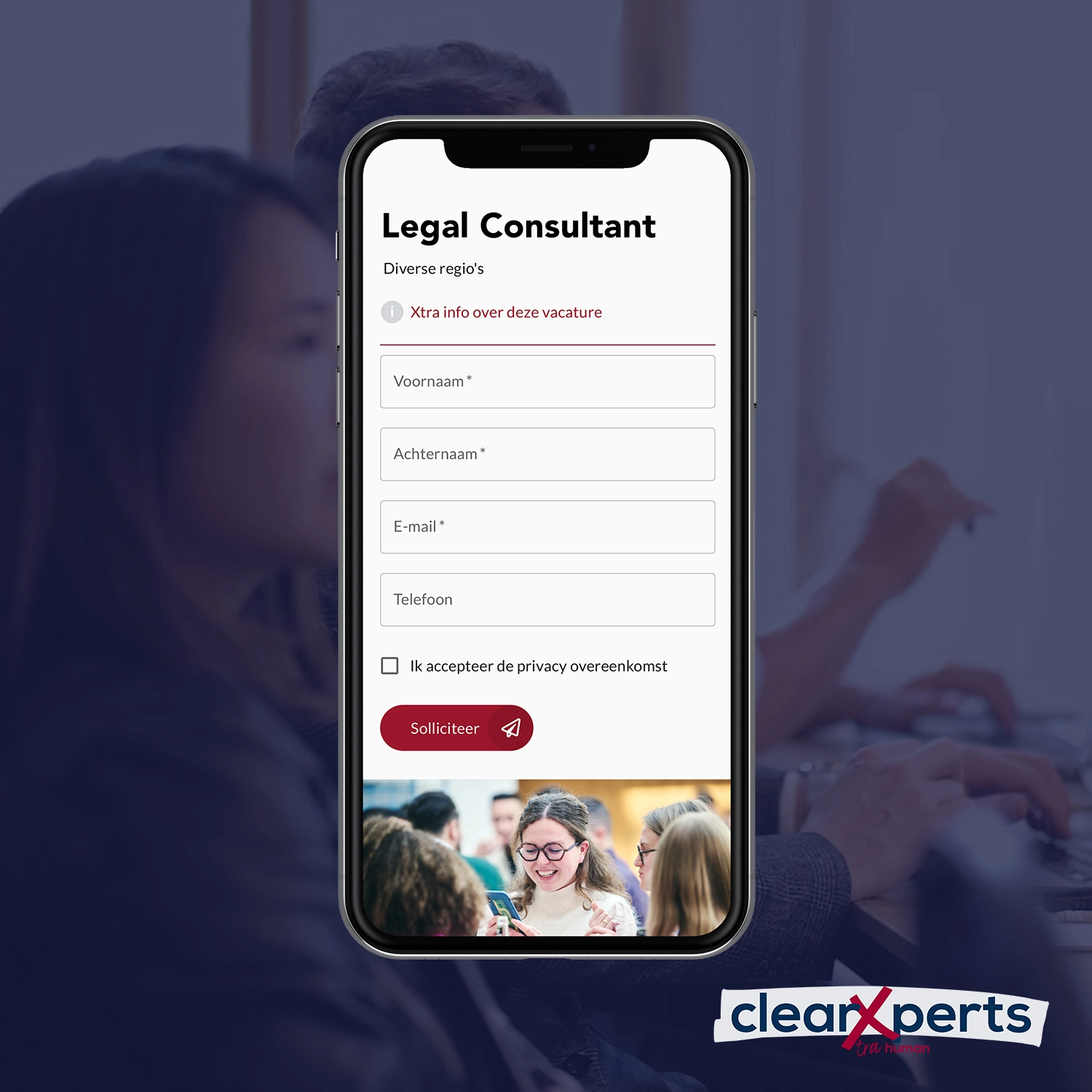
How ClearXperts minimized recruiters' manual work

Discover our other solutions

Build interfaces, flows, and integrations across screens and data sources.
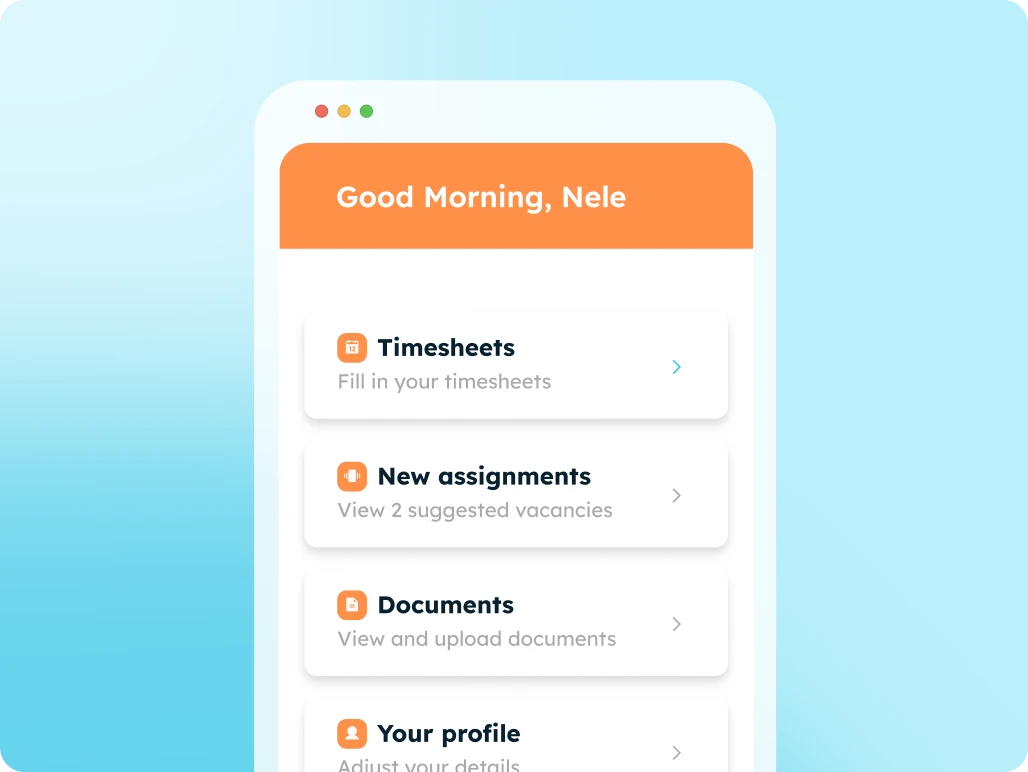
Candidate Portal

Digitize all your communication and administration with candidates using an all-in-one candidate portal.
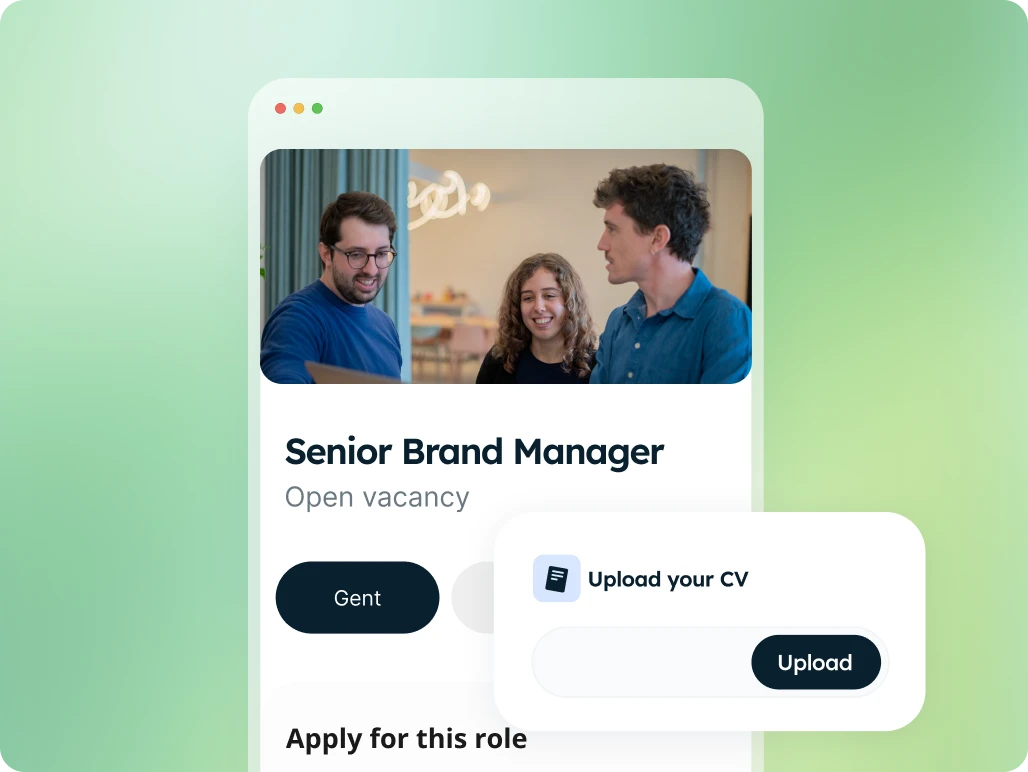
Apply Page

High-converting job application pages with integrated forms, linked directly to your ATS.
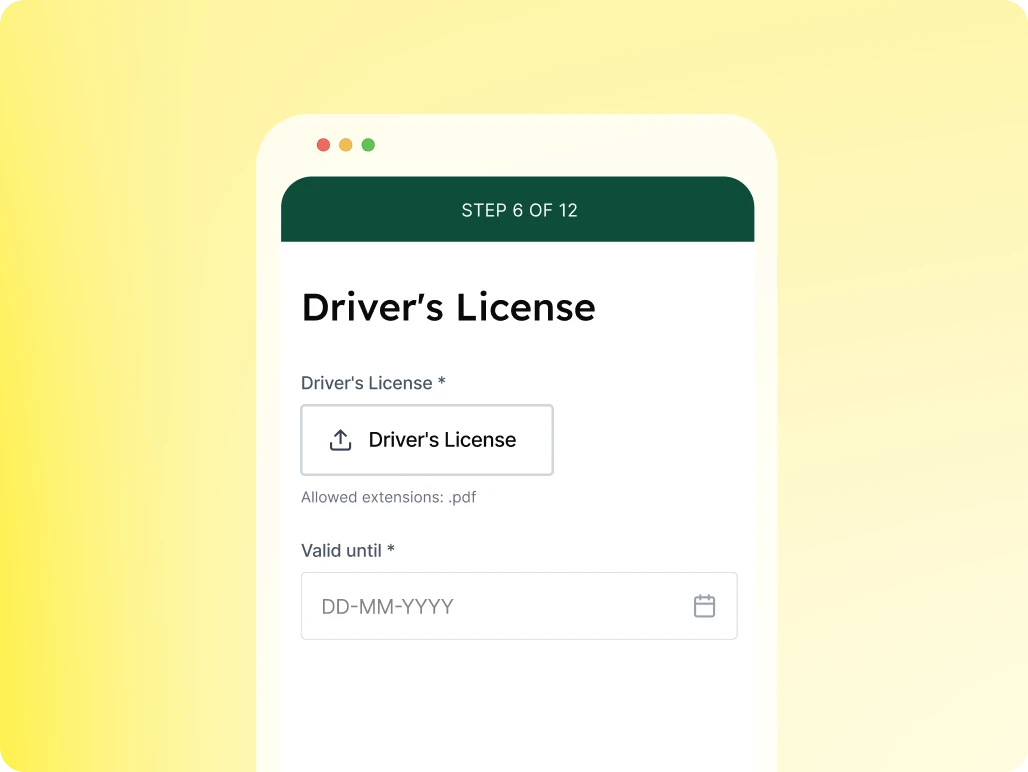
Profile Enrichment Flow

Automate specific questions for candidates to keep your database up to date.
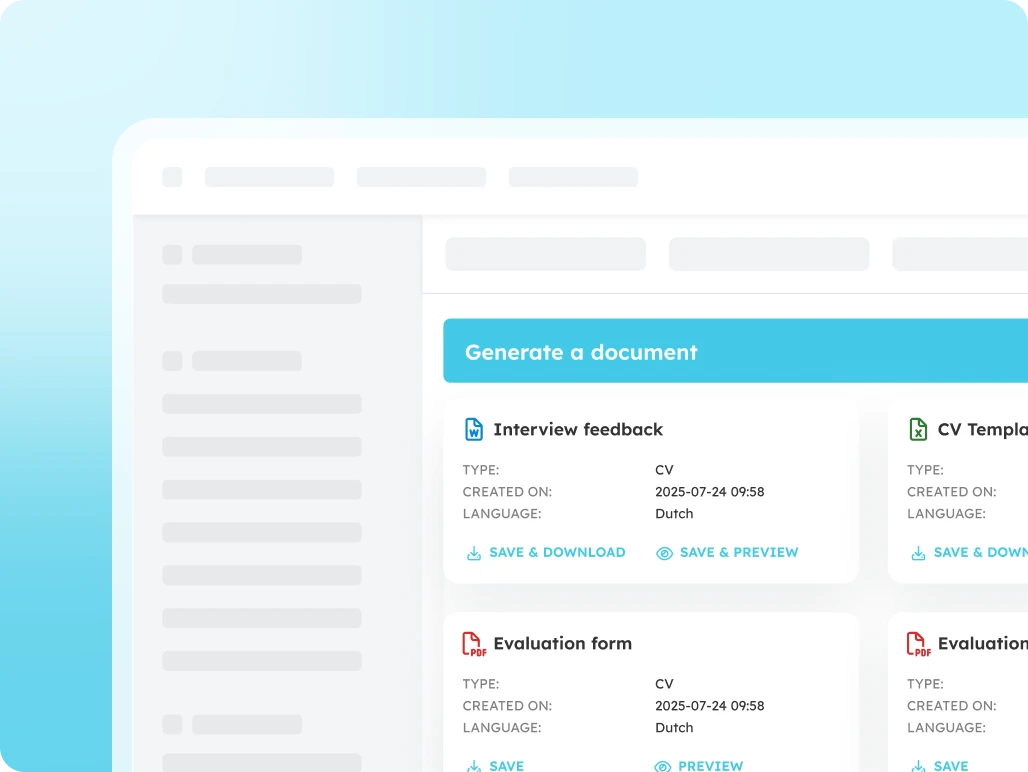
Document Generator

Generate error-free documents directly within your ATS.
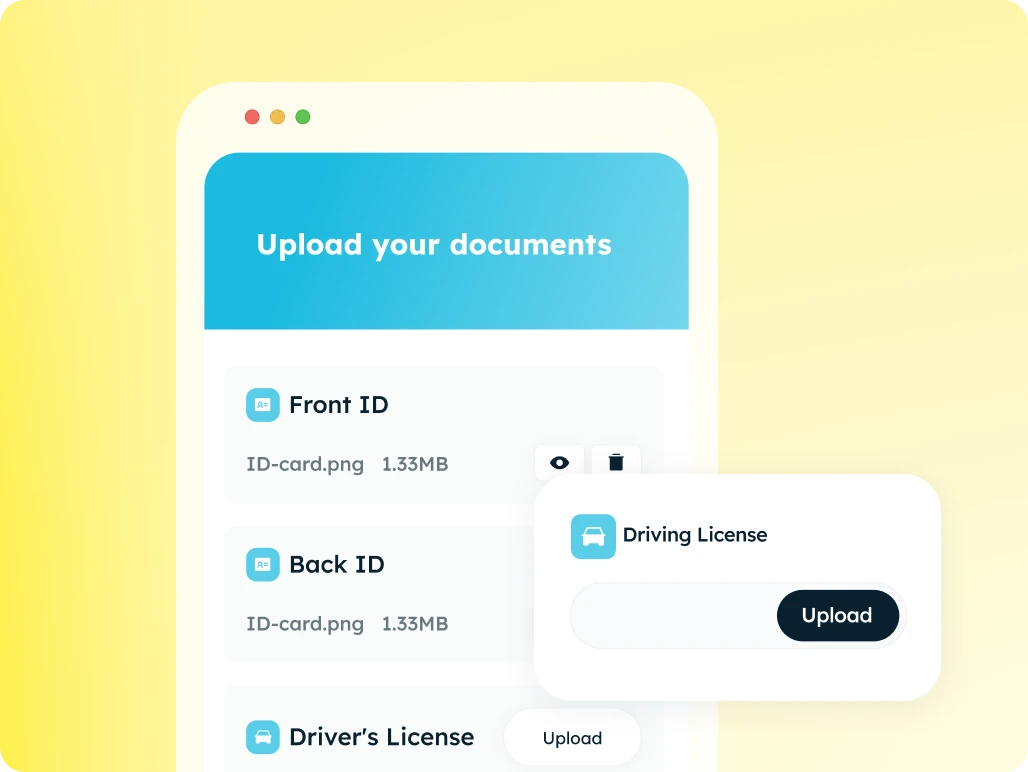
Document Request Flow

The fastest and most secure way to collect documents automatically.
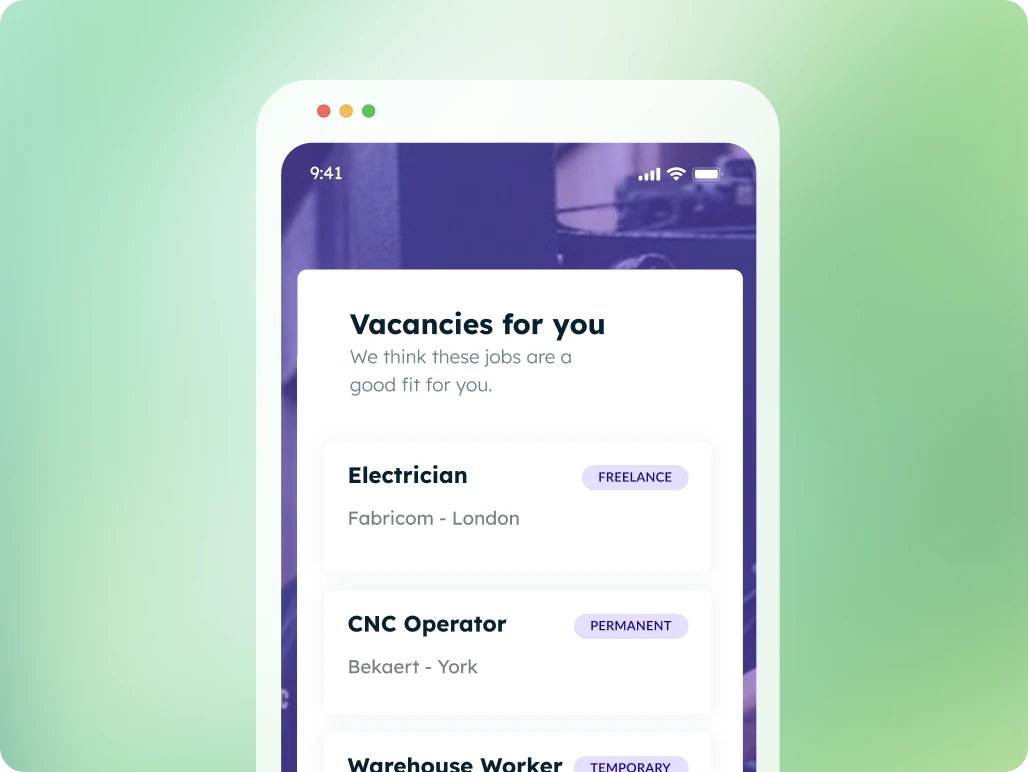
Job Presentation

Suggest tailored job openings, candidates apply with a single click
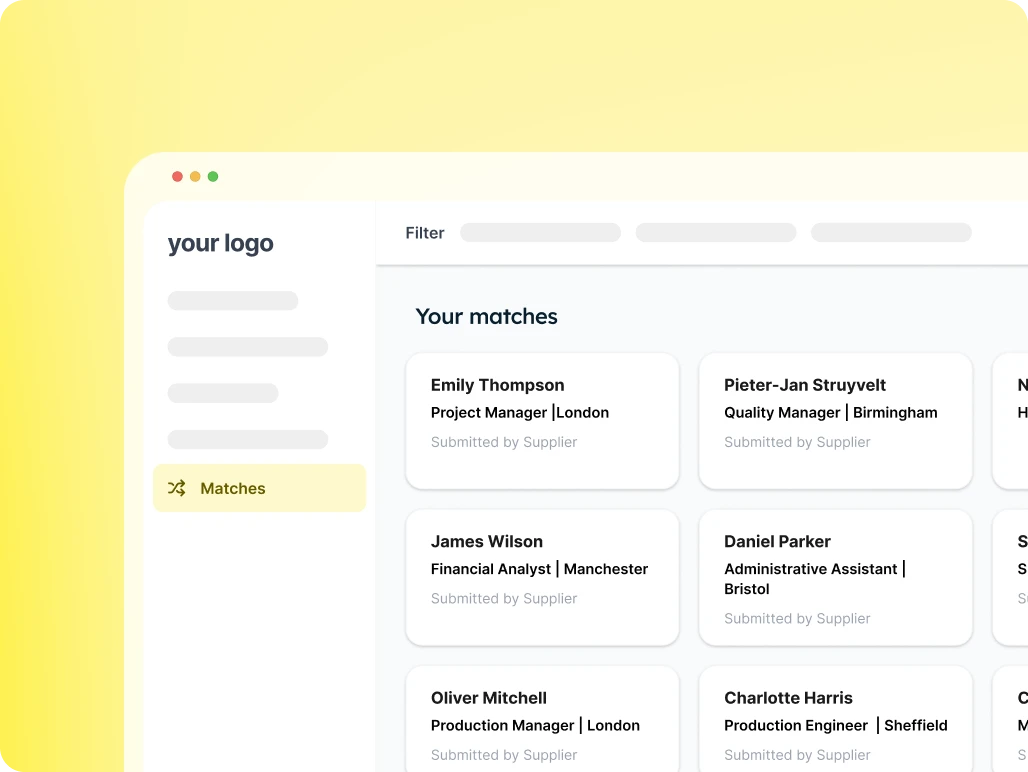
Candidate Presentation

Provide your client with an overview of suitable candidates for each vacancy and easily receive feedback.
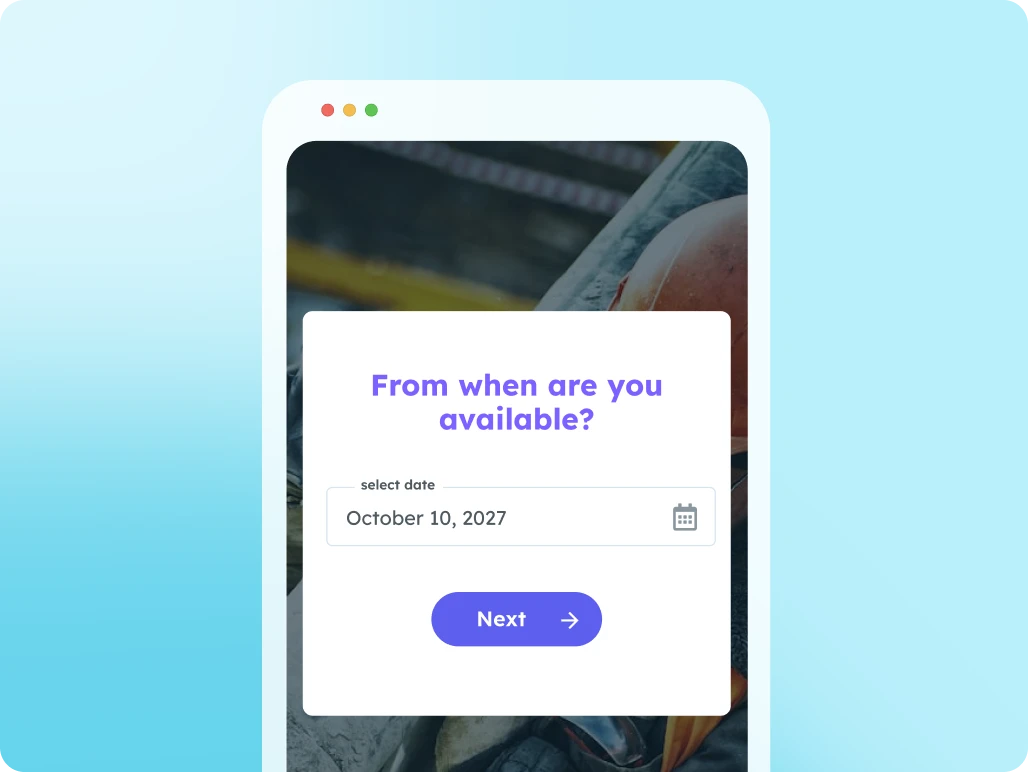
Availability Check

Use this page to let candidates submit their availability.

Supplier Portal

Work seamlessly with multiple suppliers at once: from sharing job openings to submitting candidates.
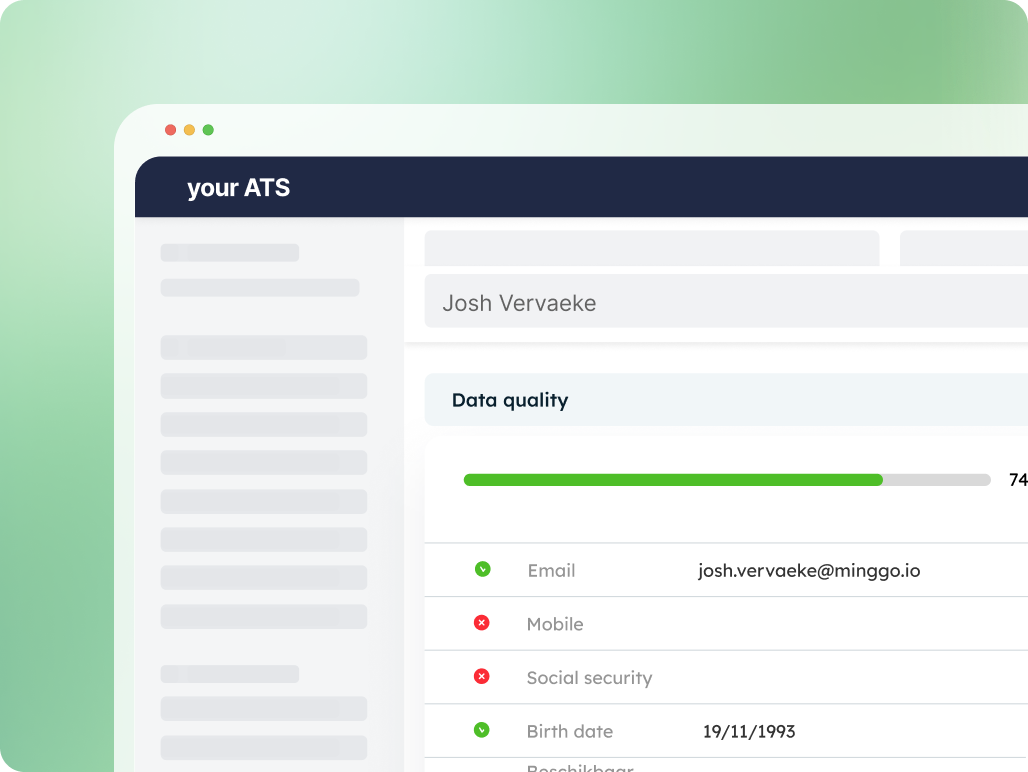
Data Quality Widget

Instant insight into the completeness of your data
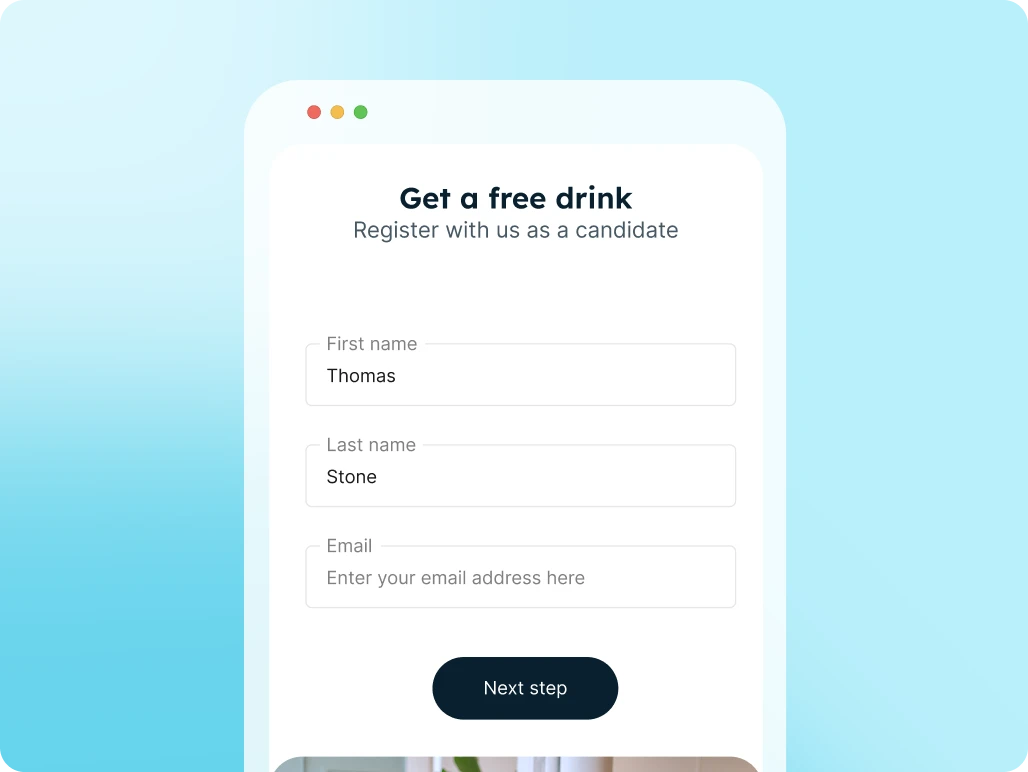
Registration Form

Candidates register themselves via a link or QR code and are immediately added to your ATS and talent pool.

FAQs

Minggo can do more than an FAQ can cover. Didn't find what you were looking for? Let us know!

What can a client do in the portal?

Clients can view open vacancies, review proposed candidates, give feedback, access documents, and take actions from one user-friendly environment.

What is a client portal?

A client portal is a central online environment where clients can follow up on vacancies, proposed candidates, documents, and ongoing recruitment processes.

Why use a client portal?

All information is centralized and easier to find. This means you lose less time on follow-ups, reminders, and scattered communication.

Can the client portal be connected to my ATS?

Yes. The client portal can be connected to your ATS or other systems, so jobs, candidates, documents, and statuses are automatically retrieved or updated.

Can a client approve or reject candidates in the portal?

Yes. Clients can review, approve, reject, or give feedback on candidates. Recruiters see the status and can follow up faster.