


Instant insight into your data completeness

Spot the hidden gaps in your data before they slow you down
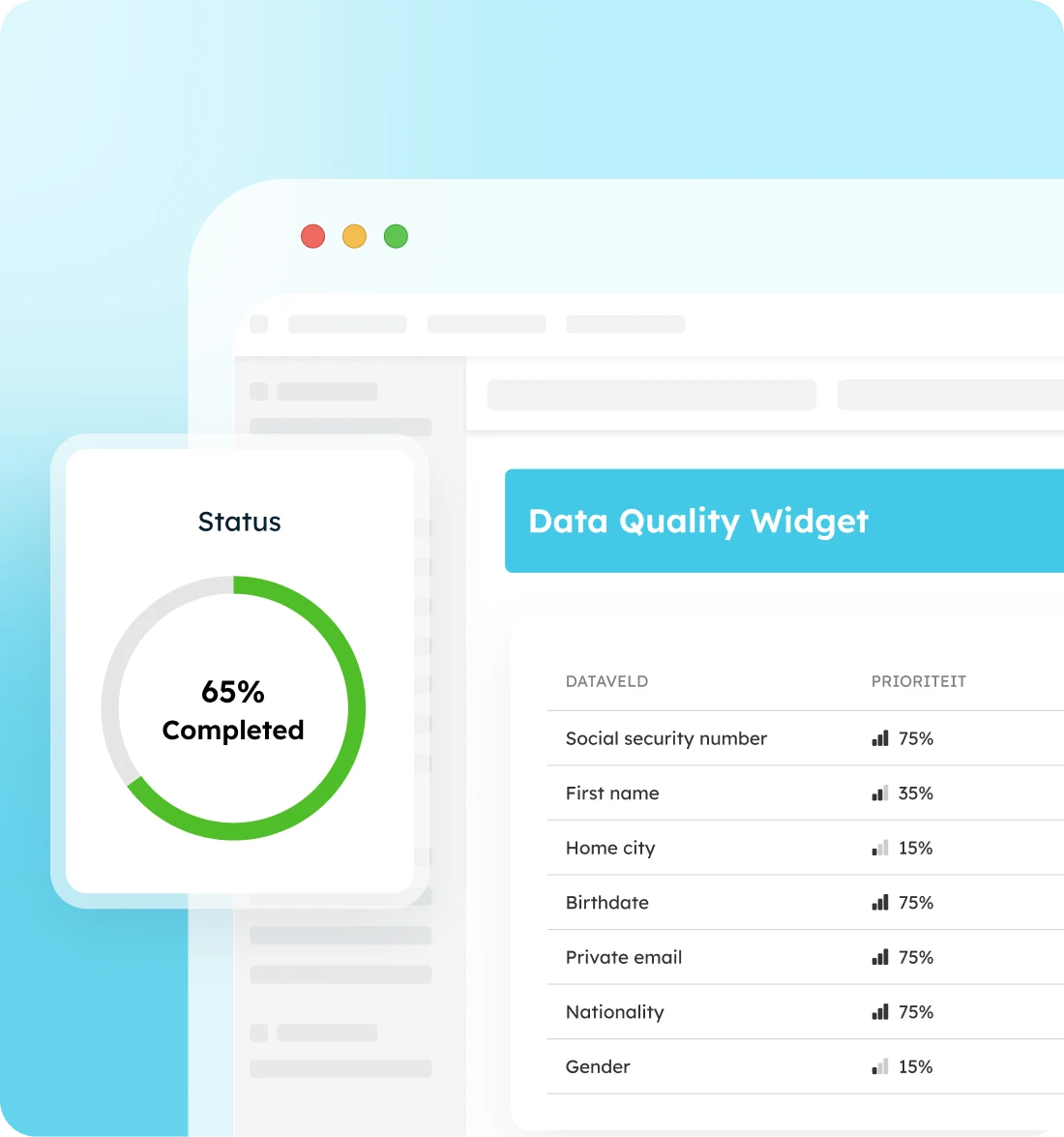
See at a glance how complete your candidate profiles, client records, and job postings are. This allows you to take targeted action—requesting, enriching, or prioritizing—before it becomes a bottleneck.

Get an instant quality score
Spot missing data instantly
Just keep working in your ATS
Use the Data Quality Widget your way
From daily practice to team-wide quality standards
Submit candidates faster
No more guessing whether a profile is truly ready to be submitted: see at a glance what is missing and enrich it precisely, before the process gets delayed.
Get new recruiters up to speed instantly
Which of the dozens of fields should you definitely fill in? New recruiters can immediately see which data is crucial and which fields are optional.
Set clear quality standards for your team
When is a profile, vacancy, or client file complete? Shared standards make it easier to follow up on candidates, filter effectively, and work together on quality.
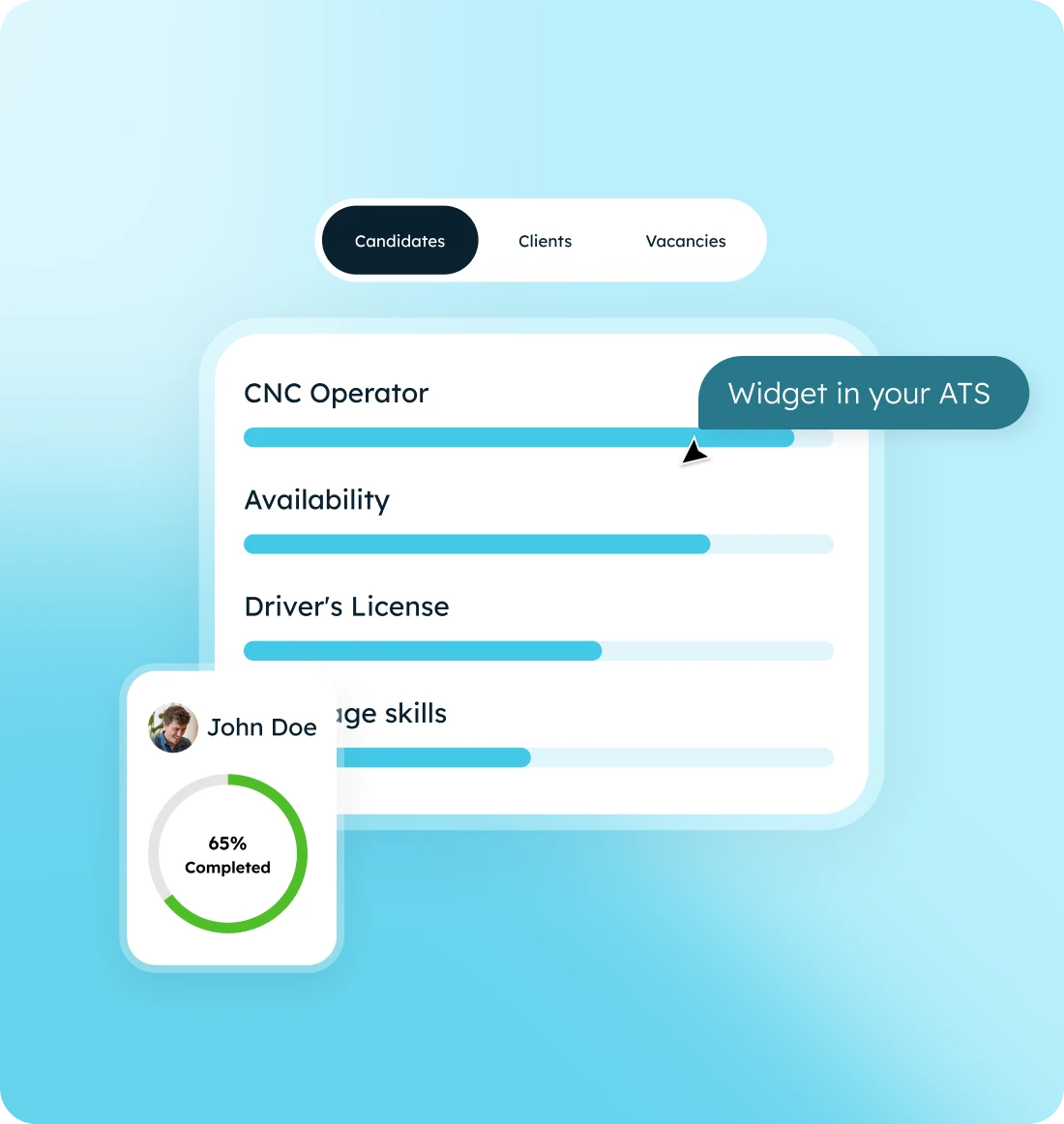
You decide what 'complete' means
- Click on the Rich Text Element where you want the list to appear to start editing.
- Select either a bullet or numbered list option from the formatting toolbar.
- Type your first list item and press Enter to add additional items seamlessly.
- Maintain consistency in style and format for each list item for clarity.
- Ensure to check the list on different devices to confirm responsive design.

From set-up to complete data, in three steps

Embed the widget in your ATS
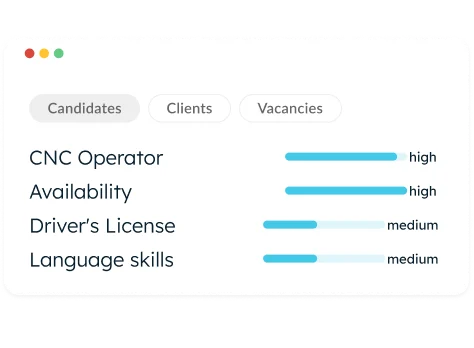
Set your standards and priorities

See the score and what's missing instantly
What you gain with the Data Quality Widget
A branded self-service portal that keeps your candidates informed while automatically keeping your database clean.

Sustainable data quality
Fully customizable
Faster matching
How our clients use the Data Quality Widget
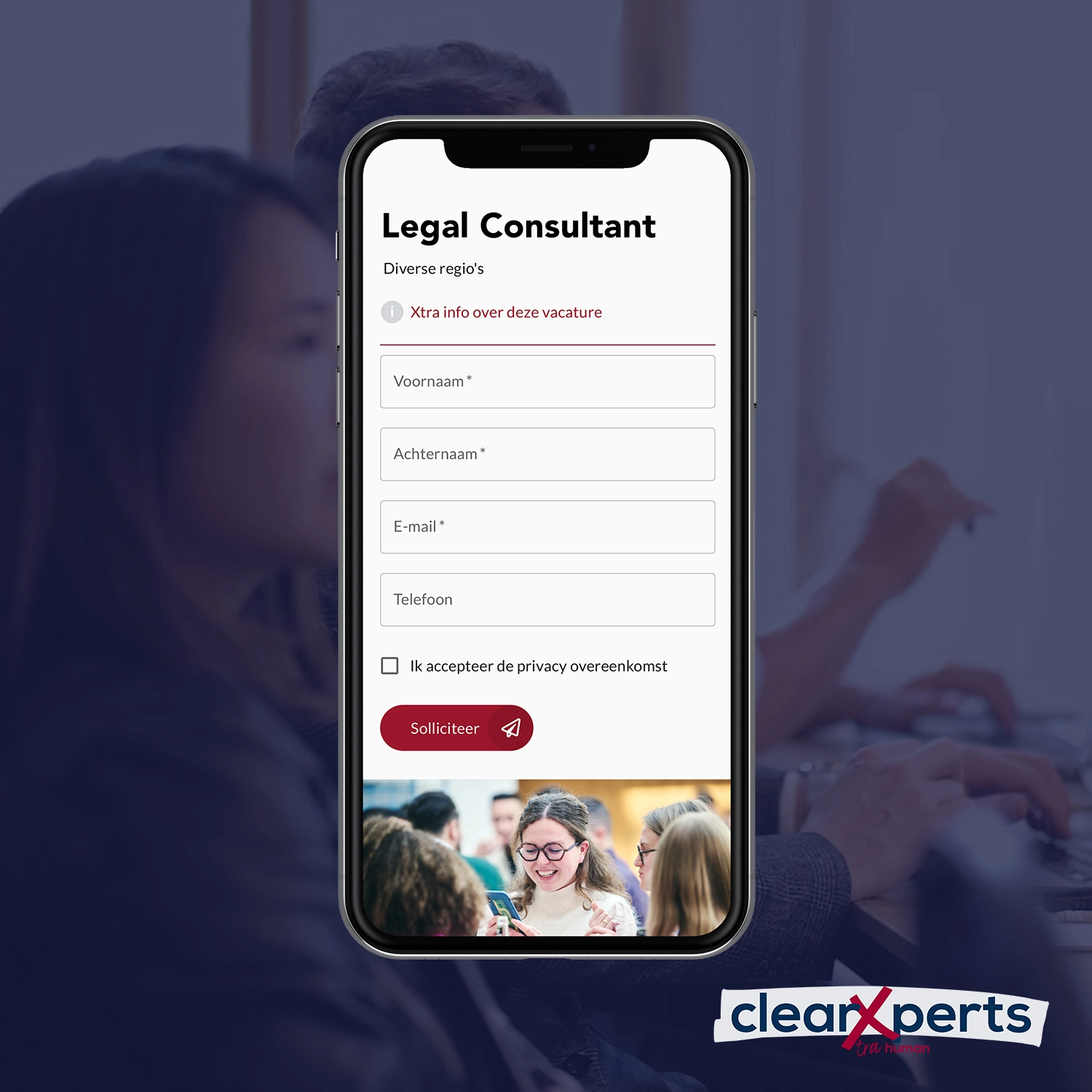
How ClearXperts minimized recruiters' manual work
Get started right away with app templates
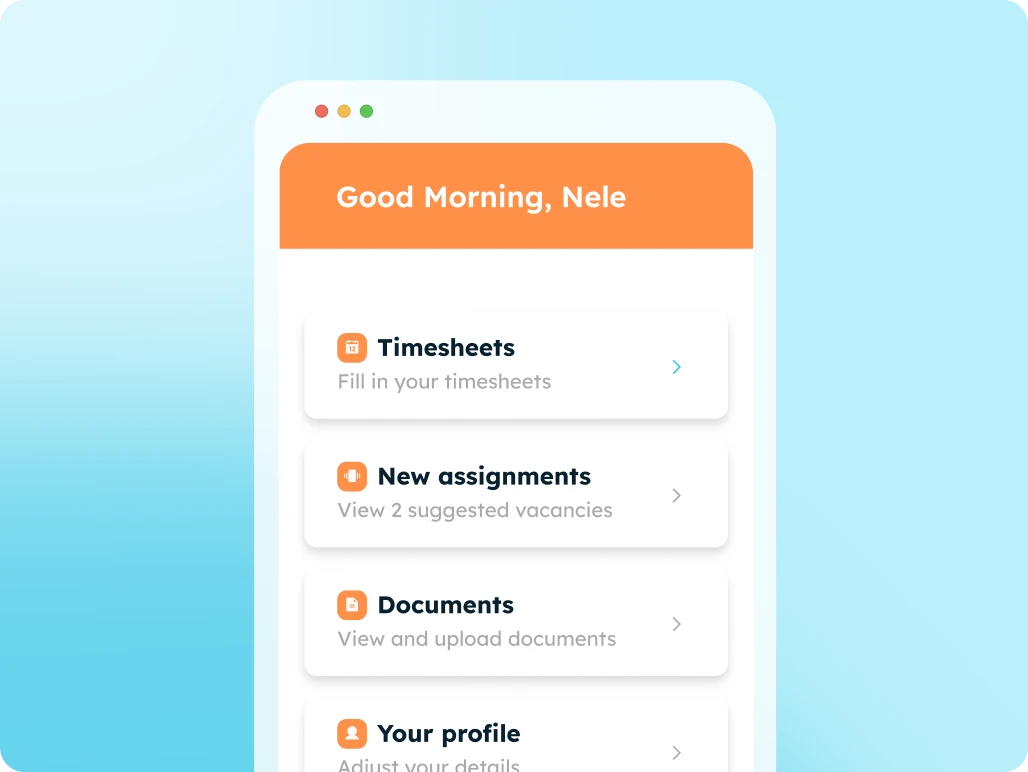
Digitize all your communication and administration with candidates using an all-in-one candidate portal.
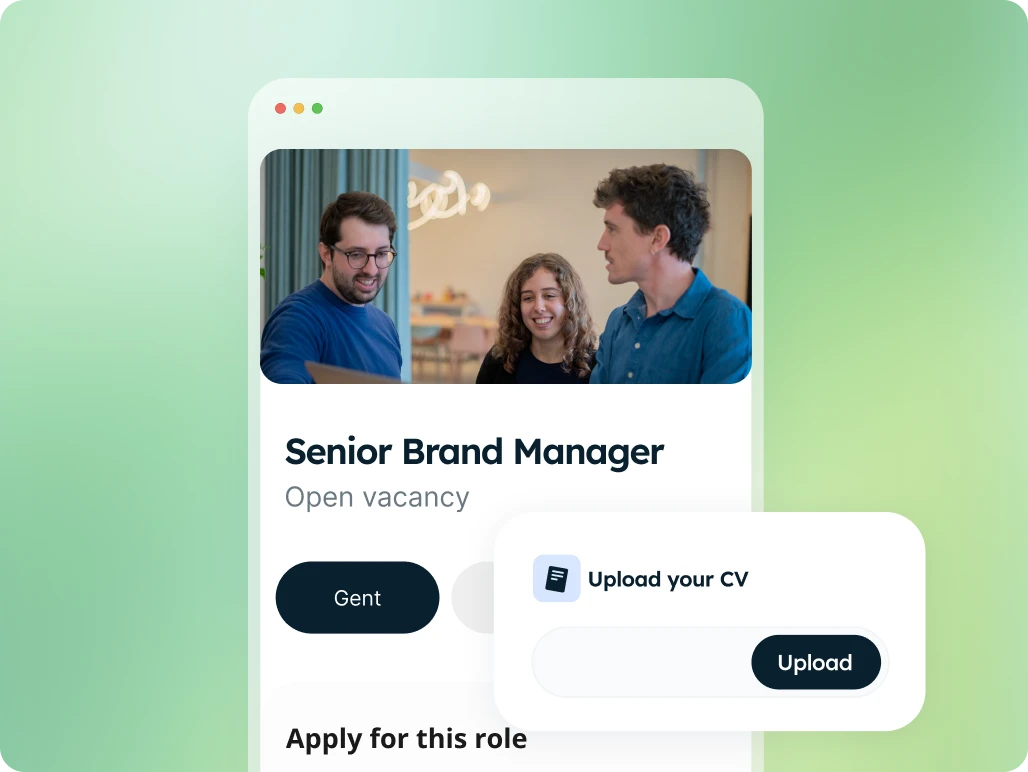
High-converting job application pages with integrated forms, linked directly to your ATS.
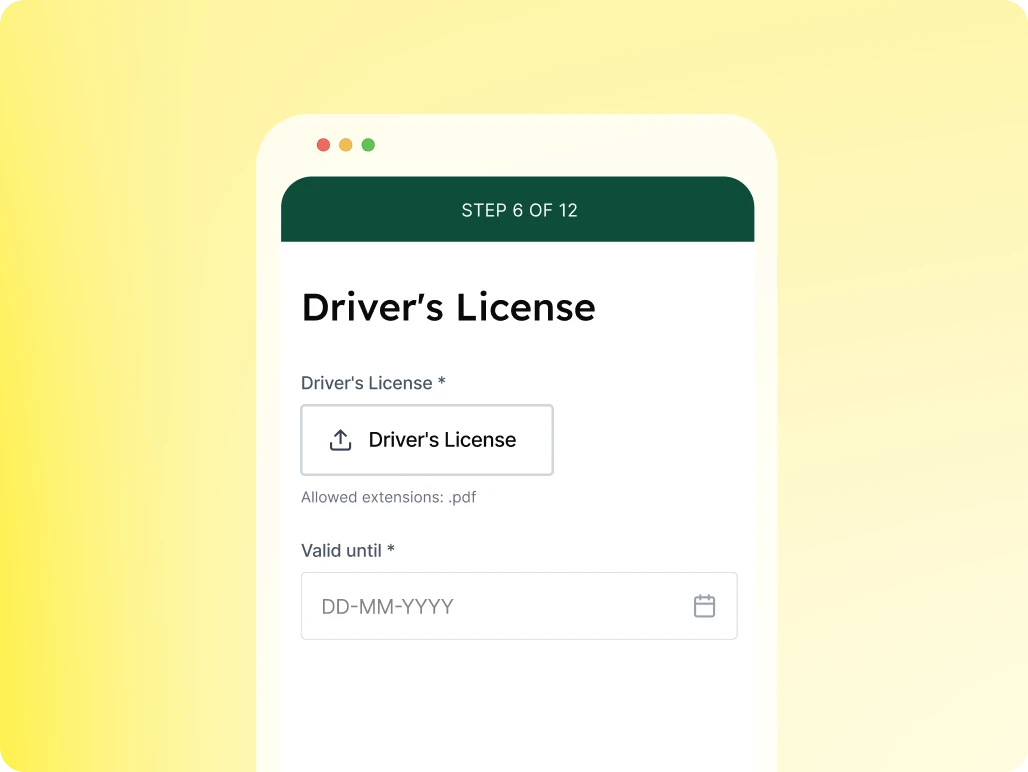
Automate specific questions for candidates to keep your database up to date.

Accelerate your communication and administration with an all-in-one client portal.
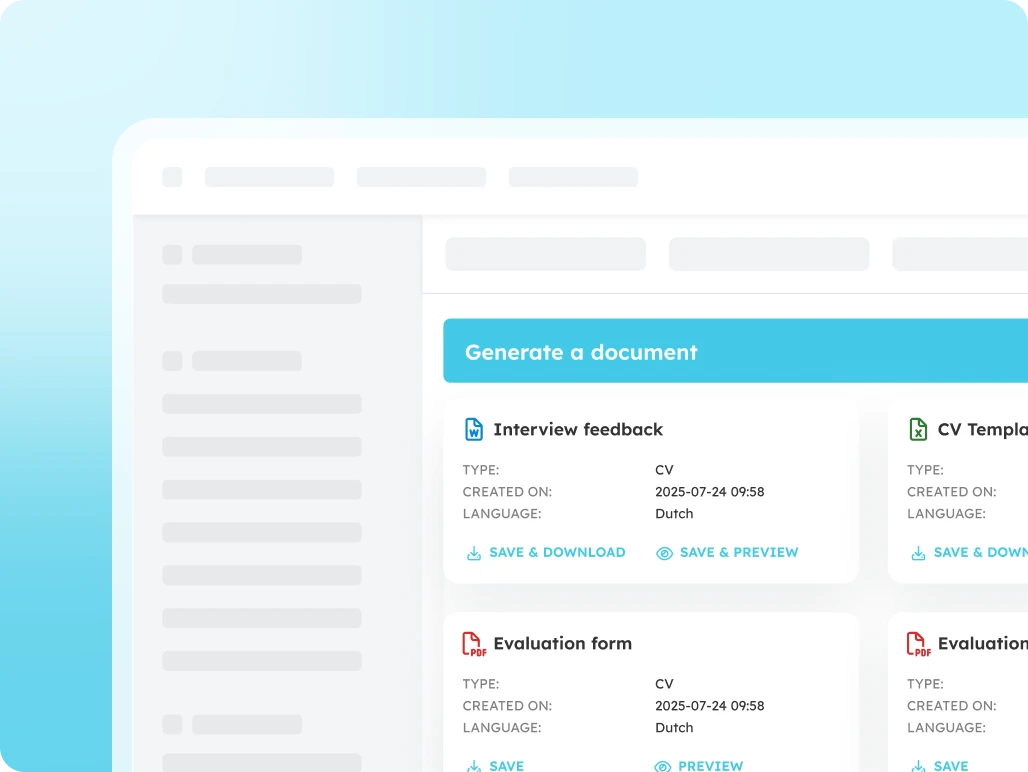
Generate error-free documents directly within your ATS.
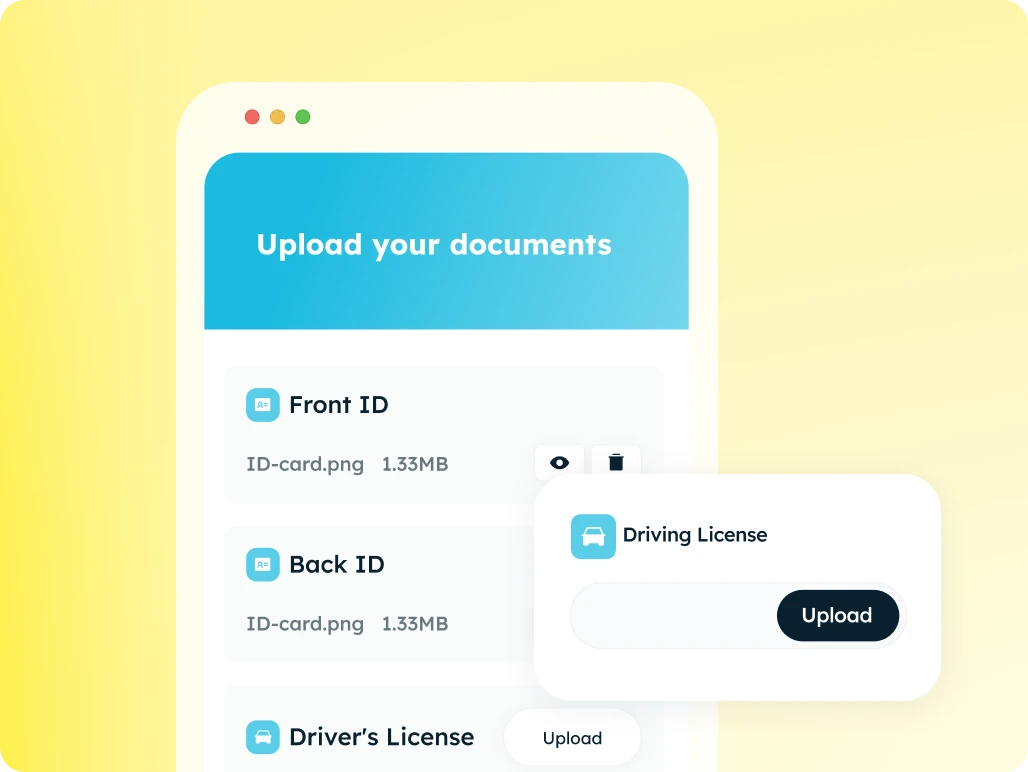
The fastest and most secure way to collect documents automatically.
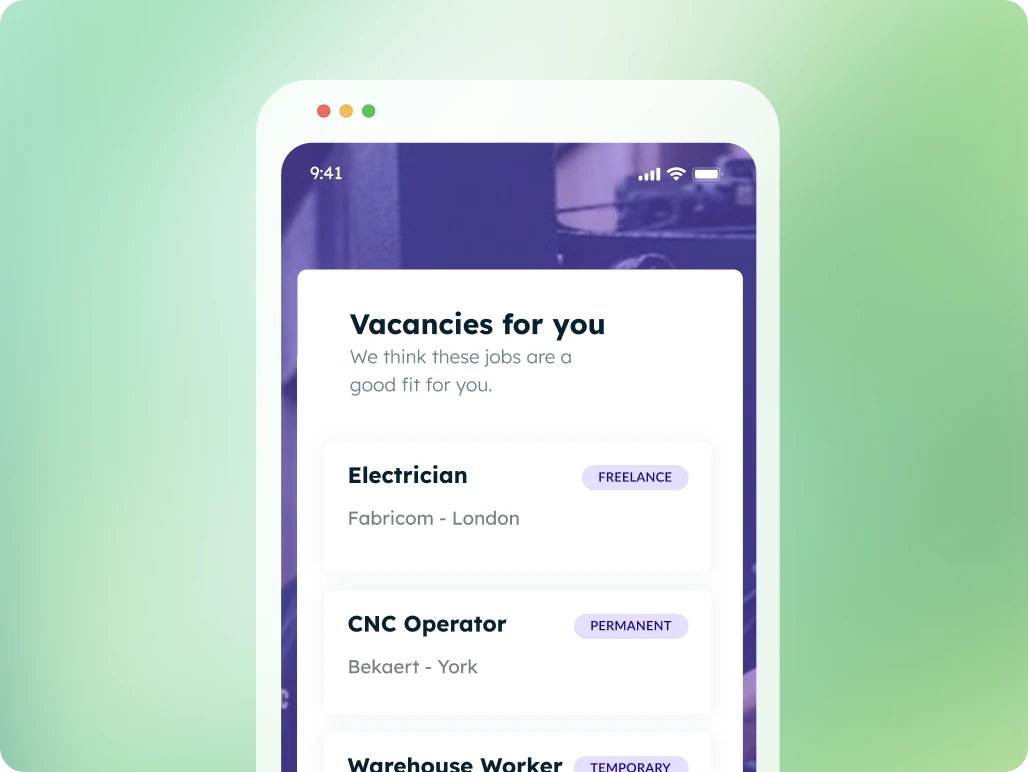
Suggest tailored job openings, candidates apply with a single click
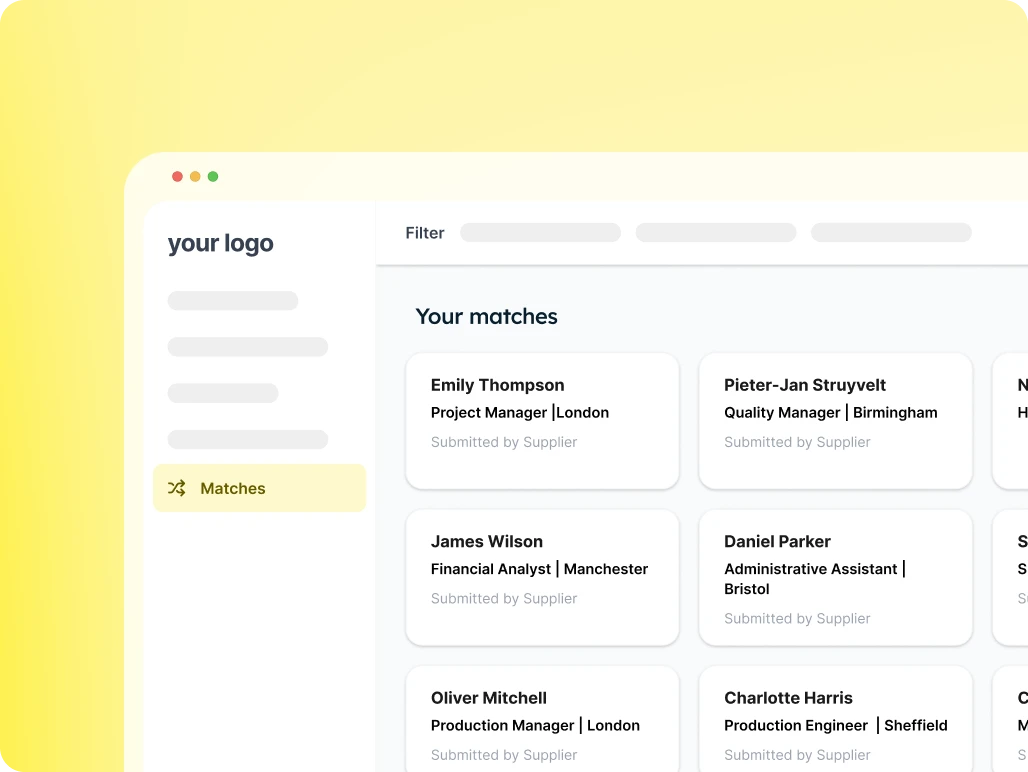
Provide your client with an overview of suitable candidates for each vacancy and easily receive feedback.
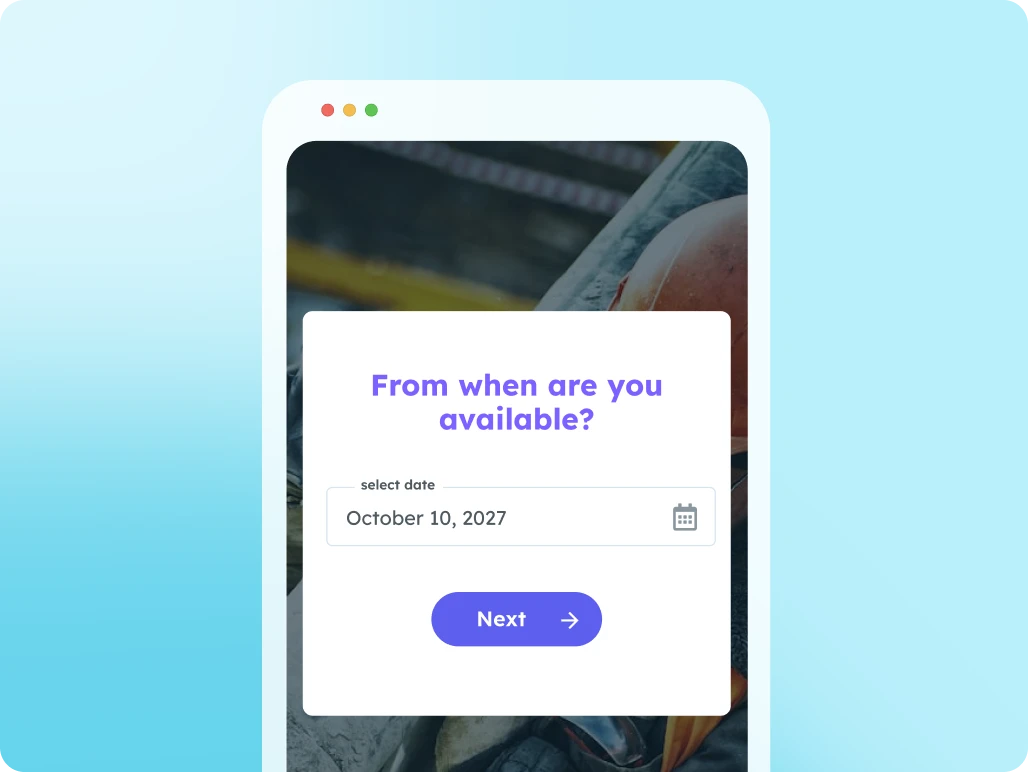
Use this page to let candidates submit their availability.
Work seamlessly with multiple suppliers at once: from sharing job openings to submitting candidates.
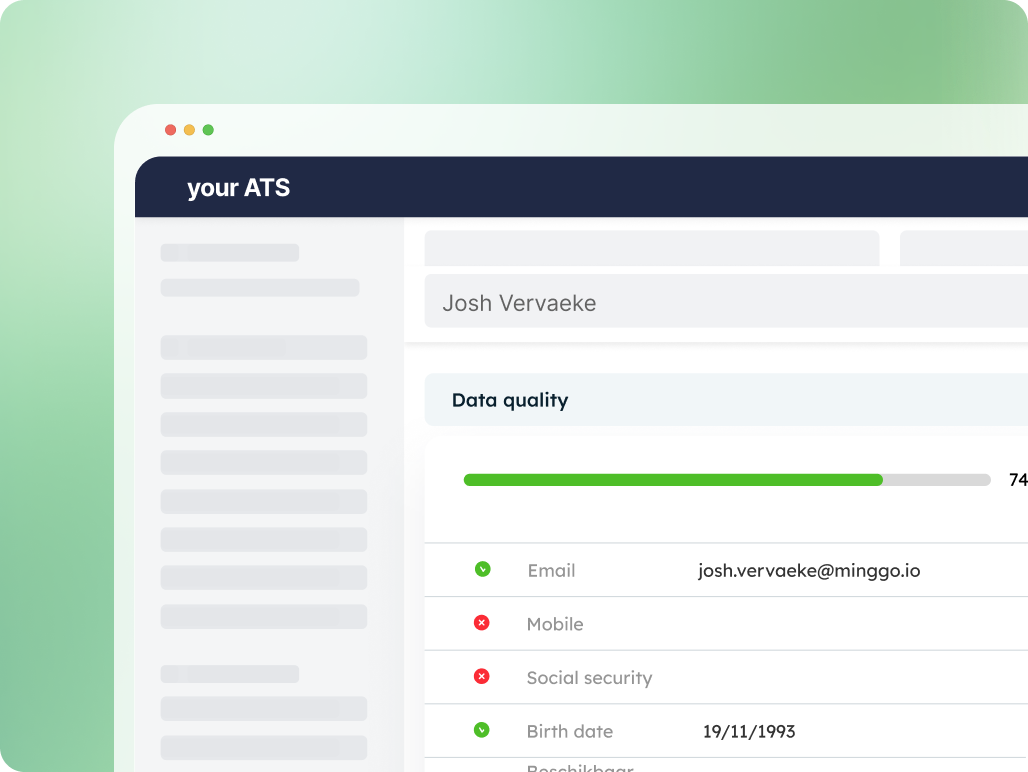
Instant insight into the completeness of your data
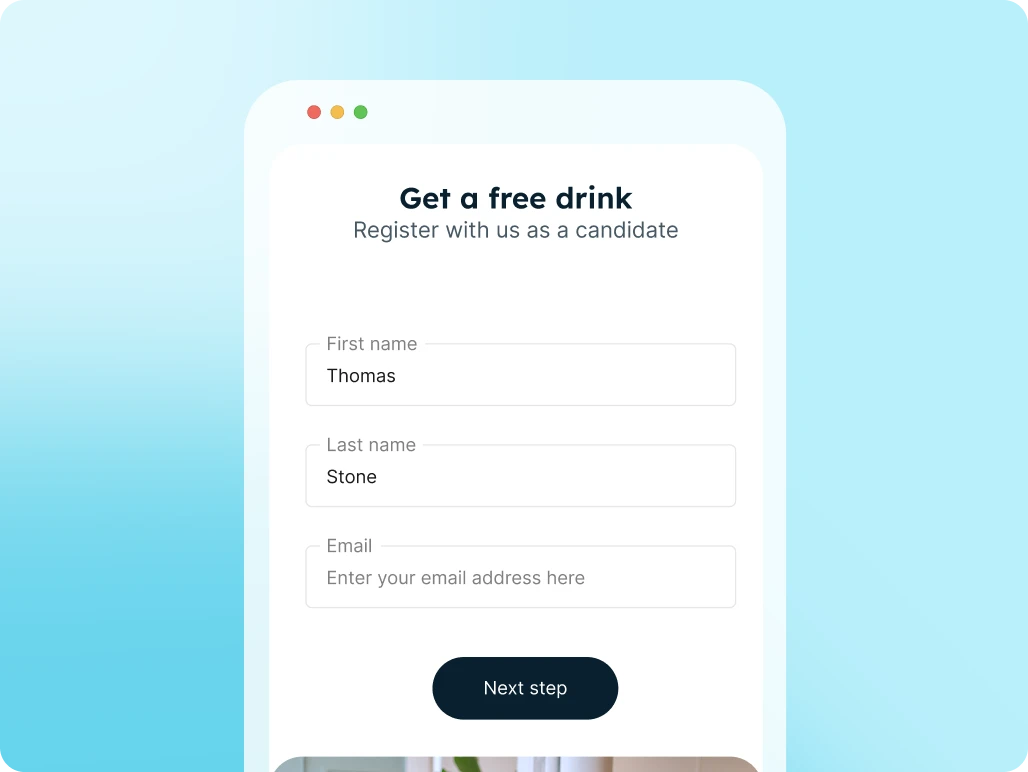
Candidates register themselves via a link or QR code and are immediately added to your ATS and talent pool.